
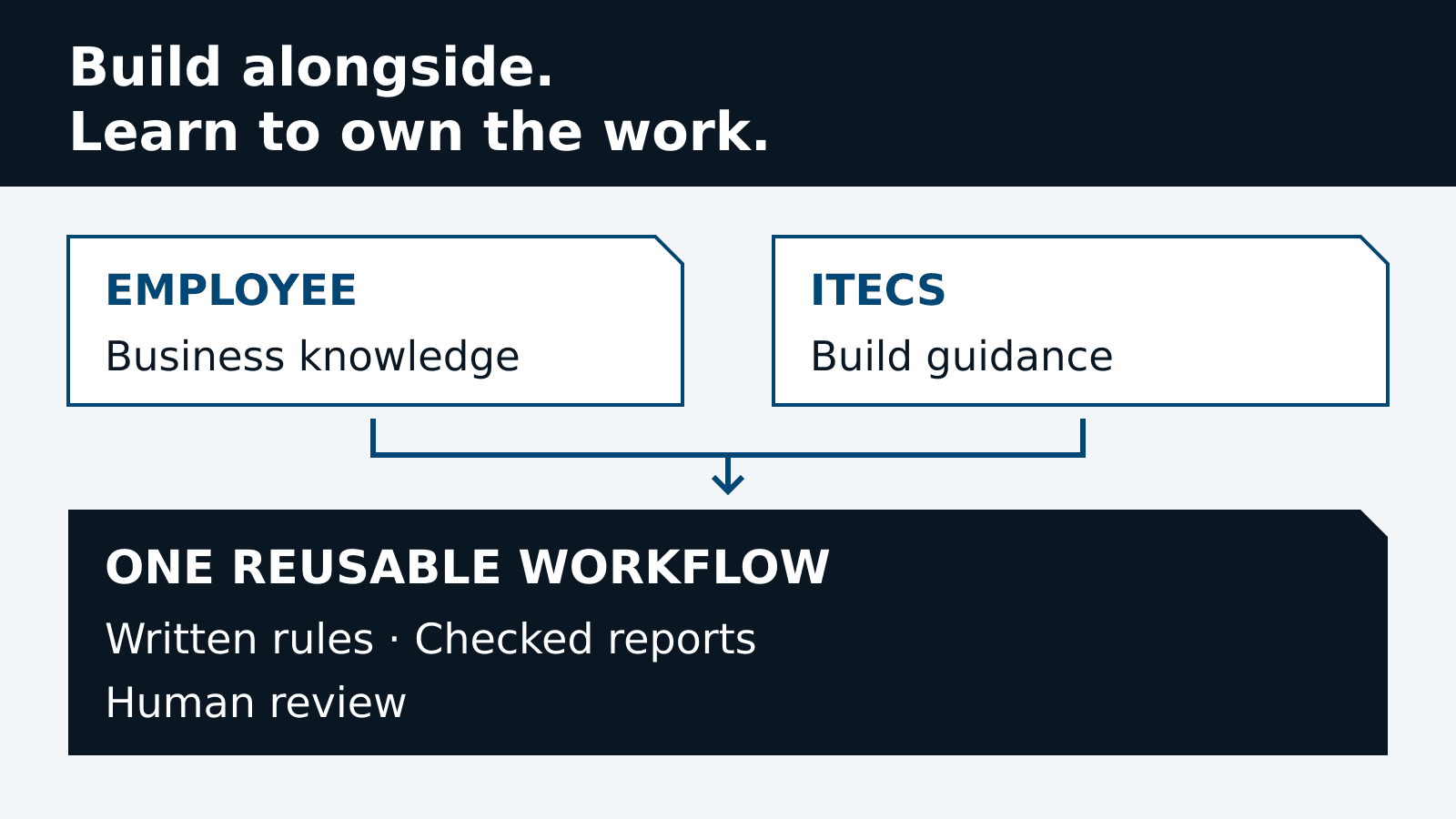
The most useful result of an AI training session is not always a better prompt. It can be a working process built around an employee's own responsibilities, with the rules and checks that make it worth using again. In a recent engagement, ITECS worked alongside a client's planning professional across four virtual guided build sessions to develop an AI-assisted reporting and analysis system.
The work connected training to an immediate business task: turning recurring exports into reports that people could inspect and use. Rather than delivering a finished agent as a black box, we built with the employee who understood the work. The employee brought the operating context; ITECS helped turn that context into a repeatable workflow. This account is anonymized to protect the client and its business information.
Start with the person who knows the exceptions
Planning reports depend on more than a spreadsheet formula. Which inventory belongs in the analysis? What should happen when an item has an unfamiliar status? Does a rescheduled order count as a missed commitment? Which decisions belong to operations, and which require finance review? These are business questions, not details a model should invent.
That is why our guided AI training is a working session with an employee, not simply a demonstration followed by a software handoff. We work through a real responsibility together. The purpose is to help the employee learn how to describe the job, supply appropriate context, question an output and recognize when the agent needs a human answer.
In this engagement, the resulting system captured business rules in versioned specifications and used workflow-specific scripts to apply them. The debrief describes changes to those rules remaining under the workflow owner's control. The employee's judgment became part of the operating specification rather than disappearing into a chat history.
What we built together
The client debrief describes a file-based planning assistant built and operated with Claude Code on an employee workstation. It works from existing business-system exports rather than posting transactions back to the system of record. Local workspace files do not, by themselves, mean that AI inference is offline or that no information reaches a provider; data access and processing terms still need their own review.
The system organizes inputs, written rules, build scripts, reference outputs and dated deliverables around each workflow. Excel workbooks provide the auditable calculation view, with interactive HTML dashboards for workflows that include them. Run history supports comparisons across reporting periods. Supporting summaries and notes are produced where the workflow calls for them.
Business-system exports
Inventory counts, stock by location, orders, shipments and shelf-life records.
Workflow input
The employee supplies the approved raw export for the reporting period.
Planning agent
Reads the workflow specification and retained notes, asks run questions, runs the Python build and checks the results.
Dated deliverables
Excel, HTML dashboards, JSON summaries and Word notes, as required by the workflow.
Human review
Leadership and operations review the evidence, make decisions and own follow-up.
Redrawn from the debrief’s architecture diagram with neutral labels. Arrows describe file and review handoffs, not direct integration or permission to change business-system records.
The debrief documents five workflow areas. Its capability matrix connects each input to the rules, reporting measures and deliverables that make the workflow useful:
Physical inventory counts
- Input
- Inventory posting export
- Agent logic
- Compare counted and recorded stock; prioritize differences.
- Measures
- Adjustment value, count differences and investigation priority
- Deliverables
- Excel, HTML dashboard and JSON summary
Inventory coverage
- Input
- Inventory-by-location export
- Agent logic
- Apply stock exclusions and confirmed demand assumptions.
- Measures
- Days and weeks of cover; coverage bands
- Deliverables
- Summary, concentration and trend workbooks
Inventory aging
- Input
- Inventory aging export
- Agent logic
- Classify age, expiration and exception status.
- Measures
- Stock value, value at risk, expired and held inventory
- Deliverables
- Excel and inventory health dashboard
Delivery performance
- Input
- Order and shipment records
- Agent logic
- Check timing and quantity using agreed rescheduling rules.
- Measures
- On-time and in-full performance; reasons for misses
- Deliverables
- Excel, HTML, JSON and supporting reports
Monthly inventory decisions
- Input
- Shelf-life export, previous state and decisions
- Agent logic
- Compare lot states and carry forward unresolved decisions.
- Measures
- Inventory status, pending decisions and review coverage
- Deliverables
- Dashboards, Excel and monthly notes
Reference-tested; first live run pending in the debrief.
Adapted from the debrief’s capability matrix. These are reporting measures, not measured improvements or financial returns. Client-specific rules, targets and system identifiers are omitted.
These areas were not all at the same operating stage. The detailed debrief reports repeat runs or reference-based acceptance for the weekly workflows. The monthly review workflow had passed a reference-output check, but its first live run was still pending. We do not describe that pending run as completed production work.
The employee also used the system for ad hoc decision support, including capacity scenarios, shipment comparisons, production-plan changes and staffing analysis. These are examples of the work described in the debrief, not a claim that an agent made or executed the business decisions.
- 01 · Recurring workflow
Inventory counts workflow live
- 02 · Recurring workflow
Inventory coverage first run
- 03 · Decision-support analysis
Capacity planning for leadership review
- 04 · Decision-support analysis
Production scenarios and operating review
- 05 · Recurring workflow
Delivery and inventory aging specifications
- 06 · Decision-support analysis
Readiness planning and scenario analysis
- 07 · Decision-support analysis
Revised production scenarios
- 08 · Decision-support analysis
Utilization and staffing analysis
- 09 · Recurring workflow
Monthly review onboarded; first live run pending
The document’s milestone order is retained; dates and identifying project labels are removed. This is not a session-by-session schedule or evidence of autonomous business decisions.
A repeatable run, not another one-off conversation
The operating pattern is straightforward. An employee supplies the period's export and requests the workflow. Missing assumptions or ambiguous inputs are raised for a human answer. The script applies the approved rules, produces the report and checks the result against the source and reference expectations. Outputs are saved by run, history is updated, and the original input is archived.
- Drop. Place the approved raw file in the workflow's input folder.
- Ask. Answer the agent's run questions before processing.
- Build. Run the specification-driven Python build.
- Check. Reconcile totals, prior runs and reference outputs.
- Publish. Save the required deliverables in a dated output folder.
- Record. Append the run history and archive the original input.
Matches the debrief’s six stages with internal paths removed. “Publish” means saving internal deliverables, not sharing them publicly. People retain decisions; the workflow does not post transactions to the business system.
This structure makes the next reporting period a repeatable task rather than an attempt to recreate a successful prompt. It also gives the employee concrete things to inspect: the source file, the rule version, the calculations and the exceptions. A dashboard is useful, but the ability to explain where its numbers came from is what makes it suitable for review.
Checks were part of the build, not an afterthought
The debrief describes workbook recalculation checks, reconciliation to source totals and regression comparisons against retained reference outputs. Where a dashboard accompanies a workbook, the two must agree, with the workbook serving as the calculation authority. These are documented controls, not a guarantee that every future report will be error-free.
Unrecognized codes, dates and classifications are supposed to stop for clarification instead of being guessed. Original exports are archived unchanged with checksum records. Those records support file-change detection; they are not a substitute for access control or tamper-resistant evidence storage.
The action boundary matters just as much: the reporting agent does not post transactions to the source business system. Finance and operations retain their decisions. A proposed correction to a report is different from authorization to change an accounting record, release inventory or commit a production plan.
The report also lists unfinished work, including additional classification refinements, sign-offs, handover consistency and automated dashboard smoke tests. Keeping those items visible is part of responsible ownership. A successful reference comparison does not erase the need for further validation and maintenance.
Why building alongside the employee matters
A commissioned agent can be useful without its operator understanding much about its construction. Our guided approach has a different first priority: help the person understand how to use AI on their work, while building something useful in the process. The artifact and the learning are connected, not separate purchases waiting to become valuable later.
Here, the employee's business knowledge shaped the written rules, exceptions and review boundaries. That is a more concrete learning context than an abstract prompt exercise. It lets us discuss what a good input looks like, what evidence an answer needs and why a plausible output can still be wrong.
The documented deliverables show what the engagement produced. They do not establish an independently measured proficiency gain, and four sessions are not a promise that every employee or workflow will reach the same scope. We would assess independent operation by asking the employee to run a fresh case, explain the checks and handle an exception without the trainer taking over.
Immediate usefulness, without an invented ROI number
The tangible output was a reusable reporting system with documented rules, reference comparisons and decision-support deliverables. That gives the training a practical application during the engagement, rather than leaving the employee to work out later how a generic lesson applies to the job.
The debrief does not provide a measured before-and-after labor baseline, project payback or financial return. We therefore do not attach a savings percentage to this story, treat inventory values as savings, or claim that training always creates more value than a custom agent. The business case is that employee capability and useful workflow assets can be developed together.
To measure the next stage, compare manual preparation and review time with the new process over comparable reporting periods. Include corrections, exceptions, trainer support and operating costs. Track whether the employee can explain and repeat the work, not just whether the agent can generate a polished dashboard. Our workflow automation approach should be judged on that accepted work, not on the volume of AI output.
When a guided build is the right starting point
A guided build fits a recurring task with an engaged employee, accessible source material and an output someone can verify. It is especially useful when the business rules already exist in a person's experience but have not yet been written down clearly enough for repeatable automation.
It is not a shortcut around unclear ownership, unsuitable data access or uncontrolled production actions. Broader integrations and independently operating custom AI agents need their own scope, testing and operating arrangements. The lesson from this engagement is not to automate everything. It is to start with work the employee understands, build the checks together and expand only when the evidence supports it.
About this account
This article is based on a client-supplied capability debrief and ITECS's account of the four guided sessions. Client and customer identities, locations, financial figures, item identifiers and operational schedules have been omitted. Capability and validation statements summarize that report; this article is not an independent audit or a quantified ROI study.
Have a recurring report or planning task that your team knows well? Talk with ITECS about a guided build. Bring the business question, an approved example and the person who owns the work. We can help turn that starting point into hands-on learning and a workflow your team can inspect, question and improve.