Updated August 31, 2026: This guide now distinguishes consumer and business data controls, and it narrows compliance claims to the purchased plan, enabled features, contract, and customer configuration.
Employees may use consumer AI tools before an organization has approved them. Pasting customer records, financial reports, legal material, credentials, or internal documents into an unapproved service can violate company policy or contractual and regulatory duties, even when model training is disabled.
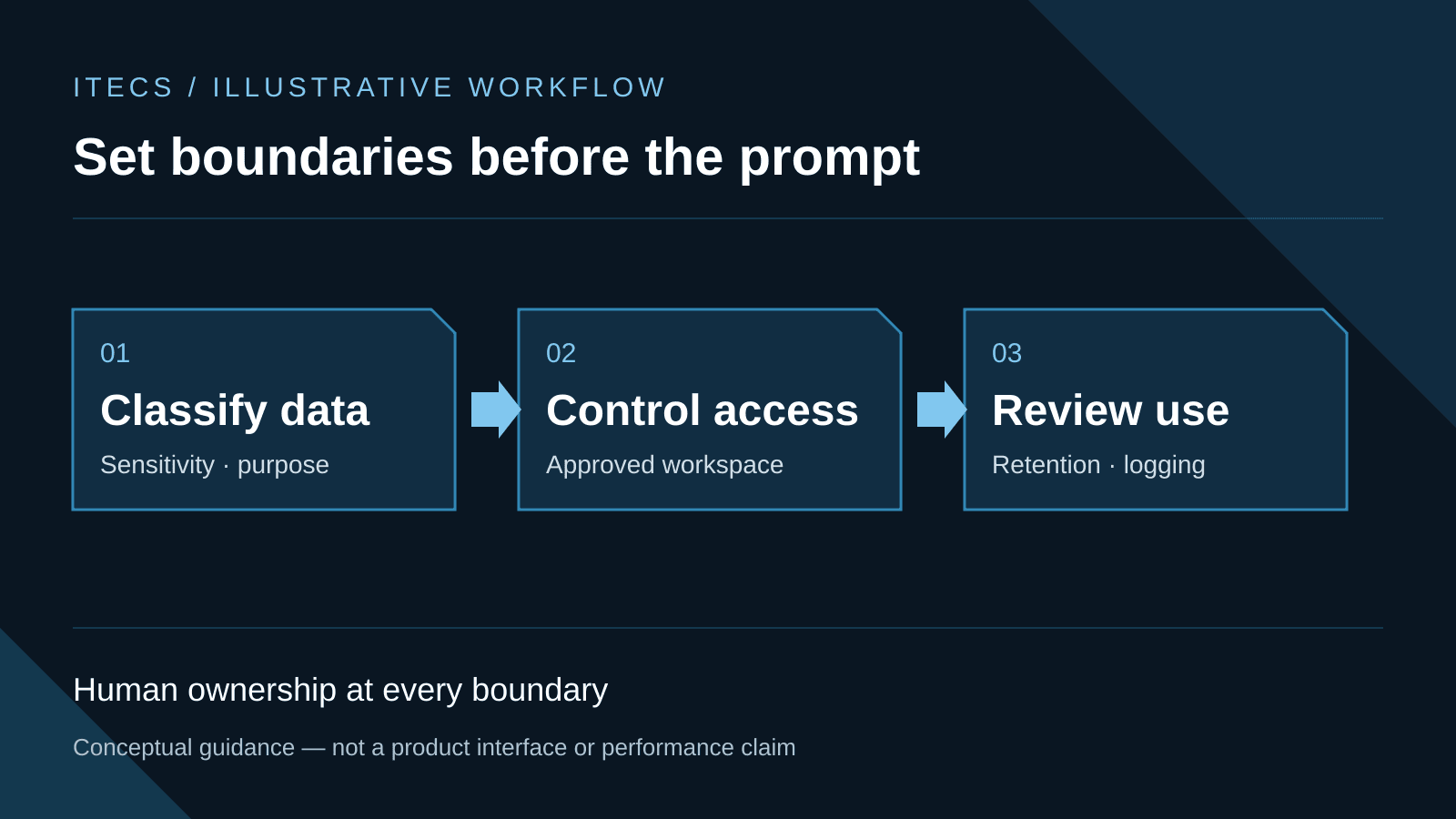
The practical response is an approved, governed AI workflow with documented data boundaries. ITECS builds custom AI workflows and managed workspaces that combine plan selection, least-privilege access, retention settings, logging, and human review. No product name alone eliminates data-leakage risk.
The Real Risk: What Happens to Your Data in Public ChatGPT
Consumer ChatGPT content may be used to improve models depending on the user's settings and product choices. OpenAI states that ChatGPT Business, Enterprise, and API business data is not used for training by default. Those training settings are only one control: retention, sharing, connectors, access, residency, incident response, and contractual terms still matter.
For healthcare, finance, and legal organizations, an upload may create a reportable policy, privacy, contractual, or regulatory issue depending on the data, purpose, authorization, safeguards, and applicable law. Treat suspected exposure as an incident to investigate; do not assume that every prompt is automatically a specific statutory violation.
The scope of shadow AI use is larger than most business owners realize. Employees use ChatGPT to draft proposals, summarize meeting notes, write customer responses, debug spreadsheet formulas, and generate reports. Each of those activities can expose sensitive data if the tool is not configured for enterprise use.
Understanding ChatGPT's Data Tiers
Not all ChatGPT plans handle your data the same way. Here is how they compare:
ChatGPT Free and Plus — Consumer data controls and model-improvement settings apply. Do not use them for sensitive business data unless the organization has completed a documented risk and policy review.
ChatGPT Business — OpenAI says workspace content is not used to train its models by default and provides workspace administration. Review retention, connector, sharing, and feature settings against your data policy.
ChatGPT Enterprise — Adds enterprise identity and administrative controls. BAA availability and HIPAA eligibility are limited to specific offerings, features, and configurations, so confirm the signed agreement and current eligible-feature list before processing PHI.
Azure OpenAI in Microsoft Foundry — Provides Azure deployment, networking, identity, and data-governance options. Prompts are not used to train foundation models without permission, but processing location, optional stored features, abuse monitoring, and compliance scope vary by deployment. Azure supports compliance programs; it does not make a workload compliant automatically.
How to Lock Down AI Use in Your Organization
The fix is not banning AI — your employees will use it anyway, and you lose the productivity gains. The fix is channeling AI use through secure, managed channels. Here is the playbook ITECS follows for Dallas businesses:
Step 1: Audit current AI usage. Survey your team. Ask what AI tools they use, what data they share, and what tasks they use AI for. You will find shadow AI use in every department. This audit takes one day and reveals the full scope of your exposure.
Step 2: Deploy a private AI environment. Replace public AI usage with approved private AI workflows that run on enterprise AI applications, Azure OpenAI, private APIs, or controlled agent systems. Your employees get drafting, summarizing, researching, and coding support while your data stays governed. ITECS configures private endpoints, encryption, and access controls during deployment.
Step 3: Implement DLP (Data Loss Prevention) policies. Configure Microsoft Purview or your existing DLP tool to detect and block sensitive data from being pasted into public AI endpoints. This catches employees who forget to use the approved tool. For Microsoft 365 environments, Purview DLP policies can be deployed within a few hours.
Step 4: Set up an AI acceptable use policy. Write a clear, one-page policy that tells employees: which AI tools are approved, what data categories are off-limits (PII, PHI, financial data, legal documents), and what the consequences are for violations. ITECS provides templates tailored to your industry.
Step 5: Train your team. Run a 2-hour AI training workshop covering safe AI use, approved tools, data classification basics, and practical prompt engineering for their daily tasks. Employees who understand why the rules exist follow them. Employees who get a policy PDF without context ignore it.
Build Custom AI That Knows Your Business
The goal is not merely to secure one chatbot. It is to give employees an approved workflow grounded in authorized documents, SOPs, and knowledge sources, with citations and permissions preserved. Retrieval can improve relevance, but answers still require testing, source review, and escalation when evidence is missing.
A sound pilot measures a real baseline: retrieval success, answer quality, review time, access-control failures, and corrected responses. Expand only after the organization can show that approved users receive attributable answers from records they are entitled to access.
ITECS deploys governed AI environments and agent workflows for Dallas businesses. Data must stay within the systems, regions, connectors, and processors approved for that workload; the architecture and contract—not the word private—determine the boundary.
For organizations that also need the operational side — DLP rule tuning in Microsoft 365, email gateway controls, and incident response when shadow-AI exposure has already happened — the ITECS email security and DLP team at our parent site itecsonline.com pairs naturally with the private AI workflow described above.