
Updated August 31, 2026: This guide replaces unsupported benchmark and client-outcome claims with a baseline-first measurement plan. Vendor prices and delivery times must be confirmed for the actual workflow.
Slow or inconsistent lead follow-up can create missed opportunities, but the impact varies by industry, source, buying cycle, and lead quality. Measure your current response time, contact rate, qualified-lead rate, conversion, and opt-outs before changing the workflow.
AI-powered workflow automation can follow up with new leads within seconds of form submission — via email, text, or both. At ITECS, we build these automated lead follow-up systems for Dallas businesses using tools like Zapier, Make.com, HubSpot AI, and custom integrations.
Why Speed to Lead Is the Highest-ROI Metric You Are Ignoring
Historical Harvard Business Review research found that organizations responding within an hour were much more likely to qualify a lead than organizations waiting longer. Treat that as evidence that response time can matter, not as a guaranteed multiplier for every company or channel.
Start with your own funnel. Segment response time and conversion by lead source, service, day, and qualification status. The target is not merely the fastest automated message; it is a timely, accurate, consent-aware handoff that helps a person make the next decision.
The Anatomy of an AI-Powered Lead Follow-Up System
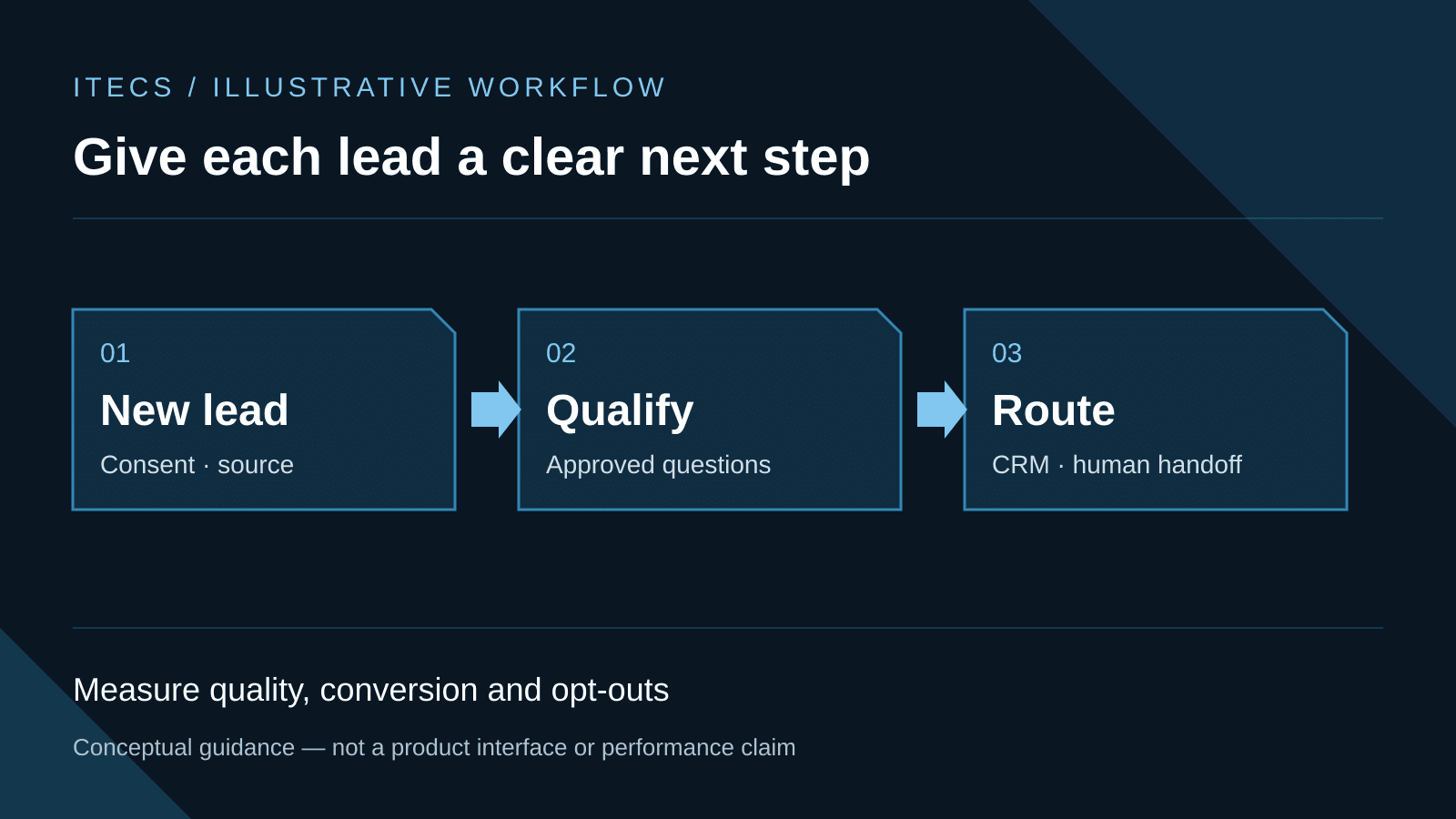
Here is how a complete automated lead follow-up pipeline works, step by step:
Trigger: Lead submits a form. Your website contact form, landing page, or Google Ads form captures the lead. Zapier or Make.com detects the submission instantly.
Step 1: Instant acknowledgment (under 60 seconds). The system sends a personalized email and SMS text message. Not a generic auto-reply — the message references the specific service the lead asked about, uses their first name, and sets expectations for next steps. Twilio handles SMS delivery. SendGrid or your existing email platform handles email.
Step 2: CRM record creation. A new contact is created in HubSpot, Salesforce, or your existing CRM with all form data populated. Tags are applied based on lead source, service interest, and any qualifying data from the form.
Step 3: AI lead qualification. For advanced setups, the OpenAI API scores the lead based on your criteria — company size, budget range, service match, geographic location. Hot leads get flagged immediately. Cold leads enter a nurture sequence.
Step 4: Sales team notification. Hot leads trigger an instant Slack message, Teams notification, or text to the assigned sales rep with full lead context: name, company, what they asked about, their phone number, and the AI's qualification score. The rep can call within minutes, not hours.
Step 5: Nurture sequence activation. Leads that are not yet ready to buy enter an automated email/text sequence. The AI sends 3–5 follow-up messages over 2 weeks, each addressing a specific pain point related to the service the lead expressed interest in. If the lead re-engages (opens an email, clicks a link, visits the pricing page), they get re-routed to a sales rep.
Step 6: CRM logging and reporting. Every touchpoint — emails sent, texts delivered, opens, clicks, calls made — is logged in the CRM automatically. Your sales manager gets a weekly report showing lead volume, response times, conversion rates, and pipeline value. No manual data entry required.
Which Tools Power the Automation
You do not need to replace your existing tech stack. The automation layer sits on top of whatever you already use:
Zapier supports trigger-action workflows across many applications and may fit straightforward lead routing or CRM synchronization. Verify the current connector, task, retention, and pricing terms.
Make.com supports branching, loops, and data transformations for more complex workflows. Test failure handling, duplicate prevention, permissions, and observability before production.
HubSpot workflows can keep automation inside the CRM when the purchased edition supports the needed actions. Confirm current licensing, consent, and sequence behavior.
An AI model API can classify a lead or draft follow-up copy. Use structured inputs, confidence thresholds, restricted data, output validation, and human review for consequential routing or promises.
An SMS provider can deliver text messages programmatically. Confirm current fees and comply with consent, quiet-hour, opt-out, and recordkeeping requirements.
What Results to Expect
Measure results with a controlled comparison: median and 90th-percentile response time, delivery failures, qualified contacts, booked appointments, conversions, opt-outs, manual corrections, and cost per qualified lead. Automation can operate outside business hours, but it needs stopping rules, monitoring, and an on-call owner.
Pilot one source and one service line first. Verify field mapping, duplicate handling, routing, consent, brand language, and CRM records with test accounts before live traffic reaches the workflow.
The automation layer may integrate with existing forms, CRM, email, and SMS systems. Delivery time depends on data quality, connector access, consent requirements, exception handling, testing, and approvals; scope those dependencies before setting a launch date.