Updated August 31, 2026: Self-hosting the file-sync layer controls where agent definitions are stored. It does not, by itself, control what Codex, Claude, a model provider, or a connected tool processes. Those data flows require separate review.
Teams can distribute common agent instructions, skills, and scripts through a managed file repository. ITECS uses a self-hosted sync server for its custom AI agent files so it can control that repository, its access, and its version history.
ITECS syncs approved agent files through a self-hosted Seafile server to managed Windows and macOS endpoints. Client records are not automatically part of that library. When an agent needs client data, the model, connector, retention, permission, and processing boundaries are reviewed separately.
The Problem With Sharing AI Agents Through a Cloud Drive
An AI agent is only useful to a company if everyone can use the same one. When one technician builds a strong documentation agent, the whole team should inherit it the next morning — not rebuild it from scratch. The obvious way to distribute it is a shared cloud folder. That convenience carries a quiet cost.
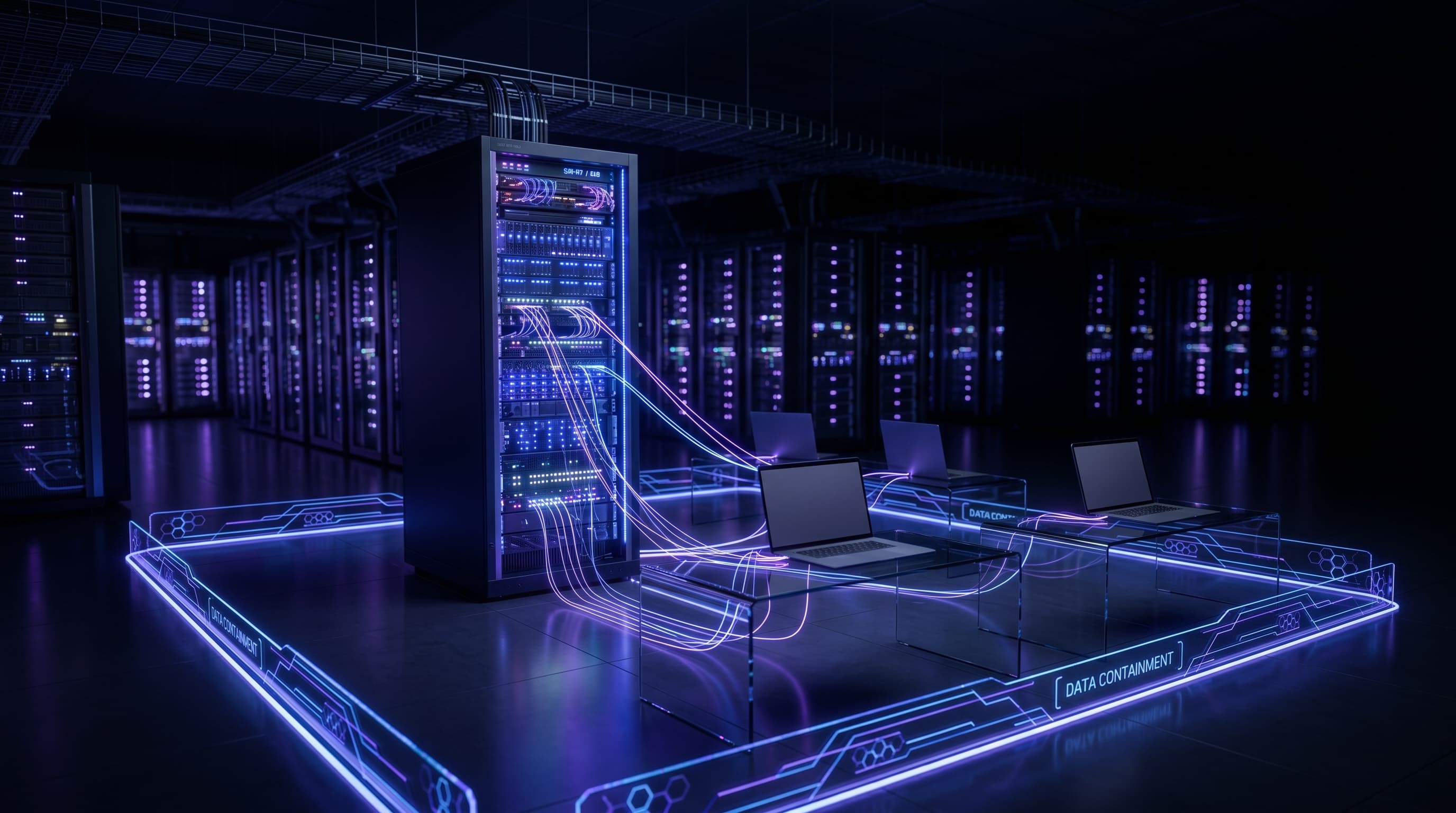
A planning scenario illustrates the boundary: an MSP may want to share an agent that drafts runbooks from authorized network documentation. The agent definition can live in one repository while client records remain in a separately permissioned source. Combining them in a broadly shared folder would enlarge the access and incident scope.
The correct design depends on the vendor contract, residency requirements, encryption, sharing controls, identity, logging, and recovery needs. Self-hosting offers custody of one layer; a governed cloud service may also be appropriate when its controls and contract meet the requirement.
What ITECS Built: One Shared Library of AI Agents
The distribution layer uses Seafile, an open-source file-sync platform running on ITECS-operated infrastructure. ITECS controls that server, storage, access, backups, and repository encryption. Model inference and external tool calls are separate systems with their own data paths.
Three pieces work together. Seafile handles secure file sync and version history across the workforce. Codex and Claude Cowork are the AI tools our employees run locally; both support App-enabled agents, meaning an agent is defined by files — instructions, skills, and scripts — that live in a project folder. The Seafile client on each Windows and macOS machine keeps those project folders identical for everyone. If your team is new to these tools, start with our guide to Claude Cowork for small business.
When an engineer improves an agent on their laptop, Seafile syncs the change to our server, then out to every other endpoint. The next time a colleague opens Codex or Cowork in that project folder, they run the updated agent — no install, no copying, no manual versioning. The whole company shares one evolving library of AI agents the same way a team shares a set of documents. We covered the broader pattern in building a shared repository of agentic skills.
Meet the Agent That Manages Client Documentation
The clearest example is an internal agent that manages client documentation — the runbooks, standard operating procedures, onboarding and offboarding checklists, and knowledge-base articles a managed services team lives on. The agent lives in a synced project folder, so every technician runs the same version.
A technician asks the agent to do three kinds of work. It adds new documentation, turning a finished project or a support ticket into a clean SOP. It updates existing records when a client's environment changes, so the docs match reality. And it discovers gaps, flagging the runbooks, onboarding steps, and knowledge-base articles a client should have but does not. Documentation stops being the task everyone skips and becomes a prompt away.
In practice, a technician finishing a firewall replacement tells the agent what changed. The agent drafts the updated network runbook, adds the offboarding step for the old device, and checks whether the client's onboarding guide still references hardware that no longer exists. A human reviews and approves. The documentation that used to lag weeks behind the work now keeps pace with it. This internal pattern is related to the managed knowledge operations described on the ITECS OpsMemory page, while each client implementation is scoped separately.
How the Shared-Agent System Works
Setting up shared, self-hosted AI agents follows four steps. ITECS runs the same playbook for clients who want their own private version.
Step 1: Stand up a governed sync server. Install Seafile on a hardened system with encrypted storage, identity controls, monitoring, backups, restore tests, and an assigned owner. Document every external dependency, including model and tool providers.
Step 2: Define agents as files in project folders. Each AI agent — its instructions, skills, and scripts — lives in a versioned project folder. Because Codex and Claude Cowork read agents from the folder, the folder is the agent.
Step 3: Sync to every endpoint. The Seafile client on each Windows and macOS machine keeps those folders identical. New hires get the full agent library on day one by signing in.
Step 4: Govern changes like code. Edits sync with version history, so we can see who changed an agent and roll back a bad update. Sensitive actions still require human review before they run.
Why Seafile, and Why Self-Hosted
ITECS chose Seafile because it is open-source and self-hosted, which provides direct custody of the sync server, storage, keys, and repository policy. Source availability supports review but does not eliminate implementation or operational risk.
Public cloud and self-hosted sync services have different operational and contractual tradeoffs. The decision should compare identity, sharing, encryption, residency, logging, backups, support, incident response, staffing, and total cost rather than assume one model is universally safer.
Security and Data Boundaries
Keeping data in-house is not automatically secure — it has to be operated that way. We treat the agent platform like any production system: scoped access per employee, encrypted storage, audited changes, network segmentation, and human approval gates on anything that touches client data. We align the controls to the NIST AI Risk Management Framework, the U.S. standard most enterprise auditors now use for AI accountability. Before any client's data feeds an agent, we run a data and AI readiness audit to confirm it is classified, access-controlled, and safe to use.
This is the same discipline behind ITECS' custom AI agents: explicit data flows, approved providers, least privilege, retention rules, logging, and human approval. Provider training commitments and processing terms are verified for the selected product and contract. Structured AI training helps employees understand the approval gates and escalation path.
What It Costs and the ROI of Shared Agents
The economics are straightforward. A self-hosted sync server runs on hardware most firms already own, plus the open-source Seafile software, which carries no per-seat license. The real return is operational: one engineer's best agent becomes every engineer's tool overnight, and documentation that used to be skipped gets done.
ITECS builds these systems through hourly consulting, prepaid retainer hours, or a scoped workflow automation project. Measure ROI through accepted documentation work, review time, update latency, recovery performance, and operating cost. Do not count risk reduction as guaranteed or assume the sync architecture contains every agent data flow. Talk to the ITECS team to scope the boundary.