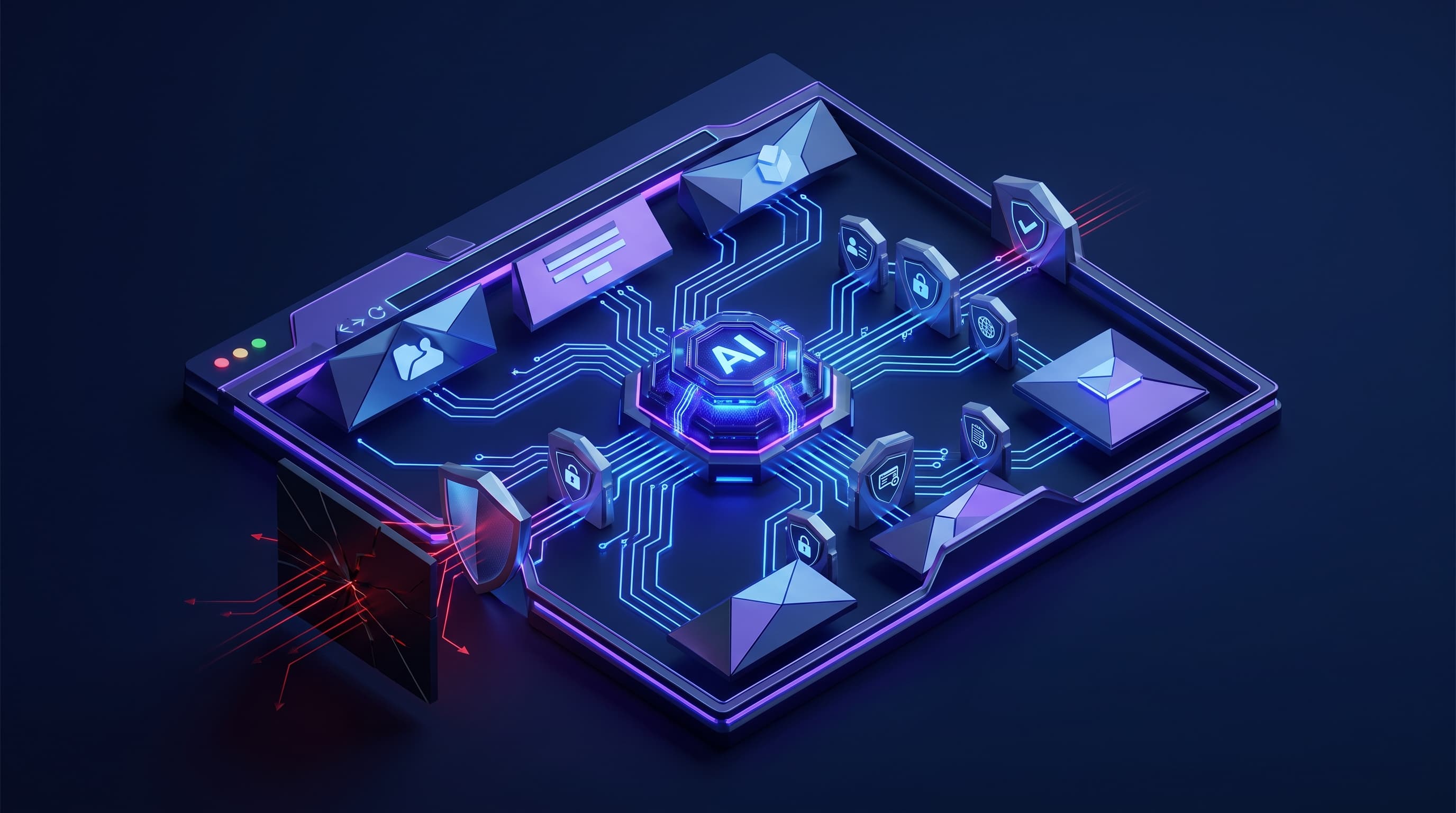
An AI agent no longer waits in a chat window. It opens tabs, logs into your SaaS apps, fills forms, downloads files, and clicks through vendor portals — inside the browser, using the employee's own session. Google made this concrete with Chrome's Auto Browse, an agent that completes multi-step web tasks on a plain-language prompt, and framed the shift in its Chrome Enterprise Future Mode series around a browser that is both agentic and secure. That pairing is the point. When the agent lives in the browser, the browser becomes where you govern it. This is the control checklist, with the vendor-neutral security discipline behind it.
AI agents now navigate SaaS apps, tabs, forms, and files inside the browser, acting with an employee's identity and session. That makes the browser the practical control point. Tie every agent to corporate identity and context-aware access, enforce browser DLP on uploads and copy-paste, scope agents to relevant sites, manage extension and DOM-scraping risk, log agent activity, require human approval for high-stakes actions, and test indirect prompt injection defenses before any browser agent reaches production.
The Browser Is the New Control Point
For a decade, security teams treated the browser as a window to watch, not a system to govern. Agentic AI ends that. The browser is now where work gets automated — where an agent reads a dashboard, copies a value, uploads a document, and submits a form. Google's own framing captures it: in its Chrome Enterprise Future Mode series, the company describes a browser that is simultaneously agentic and secure, and pairs Chrome's agent features with enterprise controls like real-time data-loss prevention and AI governance in Chrome Enterprise Premium.
That is not a coincidence; it is the architecture. If the agent acts through the browser, the browser is the choke point where identity, data movement, and permitted actions can actually be enforced. Every other layer sees an API call or a network packet; only the browser sees the agent read a customer record and paste it somewhere else. Governing agents at the browser is the same instinct as keeping an inventory of every AI-enabled system — you cannot control what you cannot see.
Why the Browser, and Why Now
The timing is driven by scale. Chrome's Auto Browse, powered by Gemini, performs multi-step tasks like booking travel, pulling invoices from a portal, and scheduling calendar events, by scrolling, clicking, and typing on the user's device. Google has said it requires user approval for sensitive steps such as purchases, and has described expanding agentic browsing across its user base. When a capability like this rolls out to employees at scale, informal use precedes any policy.
The exposure is specific. A browser agent does not get its own sandboxed account; it acts inside the employee's authenticated session, with the employee's access to email, files, CRM, and finance tools. Whatever the person can reach, the agent can reach. That is enormously useful and exactly the risk — an automated actor operating with human privileges, at machine speed, across every app in the browser. It is the same concern we address for any autonomous agent that can act on your systems.
| Control | Why it matters | What to do |
|---|---|---|
| Corporate identity | Agents act with a user's access | Tie every agent to context-aware SSO |
| Browser DLP | Agents can paste or upload data | Enforce DLP on copy-paste and files |
| Site scoping | An agent roams every open tab | Limit actions to relevant sites only |
| Extension and DOM risk | Extensions and scrapers read pages | Vet extensions; curb DOM scraping |
| Activity logging | You must see what an agent did | Log every agent action in the browser |
| Human approval | Some actions cannot be undone | Require sign-off for high-stakes steps |
| Prompt-injection testing | Pages can hijack an agent | Red-team injection before production |
The Agent Cannot Tell Friend From Foe
The defining weakness of browser agents is structural, not a bug to be patched. An AI agent reads everything through one pipeline — your instructions and the content of every webpage it visits — and cannot reliably tell an approved command from a malicious one hidden in a page. This is indirect prompt injection, and it is the reason a browser agent is dangerous in a way a chatbot is not.
The research is not hypothetical. In 2026, a University of Washington team studied seven agentic browsers and found that four could be used to bypass the same-origin policy, a foundational rule that keeps one site from reading another's data. Earlier, Brave's security team showed that hidden instructions — white text on a white background, or an HTML comment — could hijack Perplexity's Comet into fetching a one-time passcode from a user's email. The UK's National Cyber Security Centre has warned these attacks may never be fully mitigated. The University of Washington's findings should be required reading before you deploy a browser agent on anything sensitive.
Test Prompt Injection Before Production
If the risk cannot be eliminated, it must be measured and reduced — before an agent touches real work, not after. That means red-teaming your browser agents against injection the way attackers will. In May 2026, researchers released IPI-proxy, an open-source toolkit for testing web-browsing agents against indirect prompt injection, one of a growing set of tools built for exactly this. Use them, or have someone use them for you, on the specific agent and sites you plan to run.
Treat the result as a threshold, not a formality. If a browser agent can be talked into leaking a credential or acting across sites by a crafted page, it is not ready for a workflow that touches customer data or money. The same testing discipline applies to any agent that can spend or move value, as in our guide to controlling AI payment agents — and it pairs with keeping the agent's sign-in tied to your identity system, as in our Sign in with ChatGPT checklist.
- 01
Bind
Tie every browser agent to corporate identity and context-aware access.
- 02
Contain
Enforce DLP, scope agents to relevant sites, and vet extensions.
- 03
Log
Record every agent action so you can see and audit what it did.
- 04
Approve
Require human sign-off for high-stakes steps, and red-team injection first.
Your Browser-Agent Control Checklist
Before a browser agent runs on anything that matters, an IT leader should be able to confirm each of these. ITECS runs this as a deployment gate.
Tie agents to corporate identity. Bind every browser agent to your single sign-on and context-aware access, so its reach follows the same rules and conditions as the employee behind it.
Enforce browser DLP. Apply data-loss-prevention controls to what an agent uploads, downloads, and copies and pastes, so sensitive data cannot leave through an automated action.
Limit agents to relevant sites. Scope each agent to the specific apps and domains its task requires. An agent with a job on one portal has no business acting across every open tab.
Manage extension and DOM risk. Vet browser extensions and curb page-scraping, since an extension or an agent reading the full DOM can quietly harvest whatever is on screen.
Log agent activity. Record what each agent does in the browser — the sites, the actions, the data touched — so you can audit, investigate, and prove what happened.
Require human approval for high-stakes actions. Put a person between the agent and any irreversible or sensitive step, from a purchase to a data export, exactly as Google does for sensitive Auto Browse actions.
Test indirect prompt injection defenses. Red-team the agent against hidden malicious instructions before production, and keep the agent away from sensitive workflows until it passes.
How ITECS Secures Your Browser Agents
Browser agents are arriving in your workforce whether or not you have a policy for them. ITECS gives you one that works. We are vendor-neutral: we secure agentic browsing across Chrome Enterprise and whatever else your teams use, not a single product. We bind agents to your identity system, enforce browser DLP, scope agents to the sites their tasks need, control extension and scraping risk, turn on activity logging, set human-approval gates for high-stakes actions, and red-team your agents against prompt injection before they go live.
We price this the way we price all advisory work — hourly consulting or prepaid retainer hours with tracked usage, no monthly minimum and a 12-month expiry, plus a flat fee for a scoped browser-agent security build. We start with a data and AI readiness audit and fold it into the broader AI DevOps discipline that keeps automation safe in production. The payoff is the productivity of browser agents without handing an attacker a browser that acts with your employees' access. When you are ready to secure agentic browsing, talk to the ITECS team.